Table of Contents
Music is the best remedy to soothe our souls; some music brings back memories, and some gives us an adrenaline rush. In this blog, we have picked the 5 best free music apps for iPhone and Android smartphones to help you decide which one works for you.
Music streaming apps have changed the way we listen to music on the move. Recent research shows that there are 322 million paid subscribers to music streaming services.
In this digital era of online streaming, music has become more convenient and accessible than ever before. With that being said, many prominent brands are launching the best music apps for Android and iPhone devices.
There are numerous best free music streaming apps available in the market for you, but if you’re struggling to find the best one that can meet your demands, we have rounded up the list of the best free music apps for Android and iOS devices to help you find your groove.
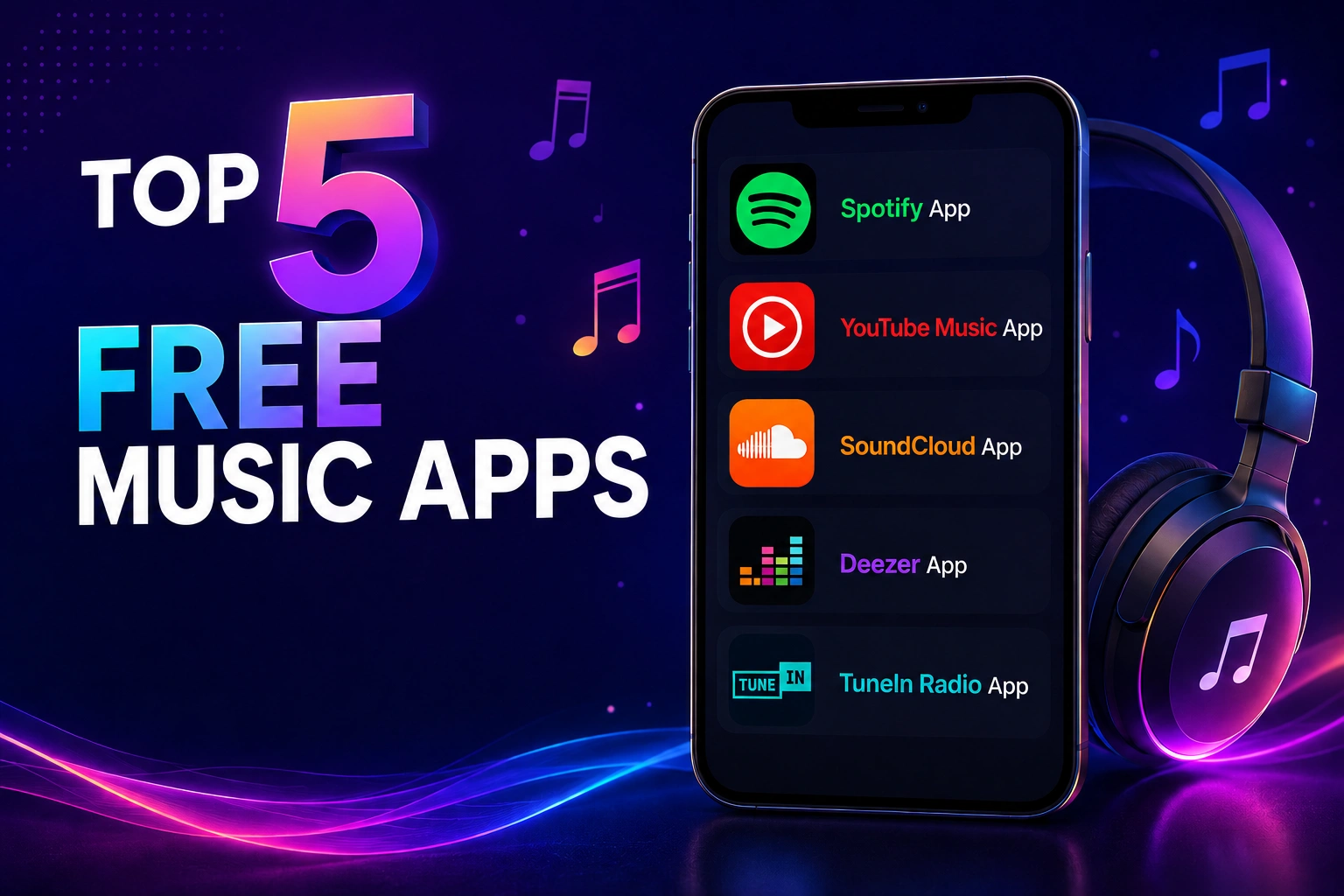
Top 5 Free Music Apps to Enhance Your Love for Music
 1. Spotify App (Android/iOS)
Offering one of the best music streaming services, Spotify is the world’s largest music streaming platform that gives you access to millions of songs, podcasts, and videos from various artists globally. Spotify tops the list of the best music streaming apps with 761 million monthly active users and counting.
Spotify has all the advanced features you’re looking for in a music app. It boasts both the most elegant user interface among its peers and an immense music library containing over 100 million songs.
Key Features of the Spotify App:
- Discover new music, albums, and podcasts for free, with an excellent user experience.
- Advanced algorithms provide an unparalleled personalized music experience.
- An advanced search feature to search for your favorite artist, song, or even podcast.
- Find music for any mood and activity.
- Massive library of over 45 million songs and podcasts.
- Unleash bonus features with a premium version.
Spotify Pros
- Excellent recommendation algorithm
- Massive music and podcast library
- Clean and beginner-friendly interface
Spotify Cons
- Ads in the free version
- Offline playback requires a premium
2. YouTube Music App (Android/iOS)
We all know that YouTube is the largest video streaming and sharing platform globally, but very few know they’ve also become a major player in the music streaming game. With the increasing demand for on-the-go music, google launched YouTube Music in 2015. YouTube Music is one of the best music apps for iPhone and Android to browse through songs and music videos based on genres, playlists, and recommendations.
It’s simple and tailored user interface allows you to discover the latest albums, live performances, and single hits from your favorite artists. It becomes one of the best ad-free music apps when switched to the premium version.
Key Features of the YouTube Music App:
- Discover the albums, songs, live performances, covers, and remixes.
- Search by lyrics if unaware of the song title.
- Receive personalized recommendations based on taste, location, and time of the day.‘Shortlist section to explore what’s trending.
- Saves music for offline listening if the offline mixtape is enabled.
- Enjoy ad-free music, background playback, and song download options with the premium version.
YouTube Music Pros
- Excellent music discovery features
- Strong integration with YouTube content
- Huge collection of live performances and remixes
YouTube Music Cons
- Ads in the free version
- Background playback is locked behind premium
3. SoundCloud App (Android/iOS)
SoundCloud is one of the biggest audio streaming platforms with 200 million tracks and over 20 million artists, bands, and podcasters, making it stand out from other available platforms. With SoundCloud, you will get easy access to mixes, chart-topping albums, live sets, and more.
SoundCloud offers three types of premium subscriptions:
- Pro subscription, designed for music creators, starts from $6 a month and offers additional storage space and analytics for uploaded tracks.
- Then there’s SoundCloud Go, which costs $5 a month and offers an ad-free and offline listening feature.
- Lastly, the Go+ membership costs $10 for a month, offers high-quality audio, and access to SoundCloud’s full catalog with no previews.
Key Features of SoundCloud App:
- Find millions of rising and esteemed artists and podcasters.
- Access to a global community of renowned artists for uploading music.
- Access to music that is not available anywhere else.
- Custom-tailored music suggestions.
- Explore ‘SoundCloud Charts’ for the best music or podcasts in each genre.
SoundCloud Pros
- Massive creator-driven music library
- Great for discovering indie music
- Community-focused platform
SoundCloud Cons
- The interface can feel cluttered
- Audio quality varies across uploads
4. Deezer App (Android/iOS)
An online music streaming platform that allows users to listen to music from record labels, including Sony Music and Warner Music Group, online and offline. Its Flow feature sets it apart from other music streaming apps, letting you discover your favorite music based on your streaming history.
One of Deezer’s standout features is Flow, a personalized soundtrack that continuously mixes your favorite songs with new recommendations based on your listening habits.
Key Features of Deezer App:
- Access to a vast catalog of 120 million songs
- Find new tracks with the shuffle mode feature
- ‘Flow feature’ mixes songs and expands musical horizons
- Add the tracks to your music collection by tapping on the favorites button
- Quickly discover podcasts, radio stations, and audio channels. Access the bonus benefits with Deezer Premium
Deezer Pros
- Excellent audio quality
- Great music discovery features
- Large song catalog
Deezer Cons
- Smaller user base compared to Spotify
- Some features are limited by region
5. TuneIn Radio App (Android/iOS)
For the old-school among us, the radio will always be king. If that sounds like you, then experience old meeting new with the TuneIn app, featuring a collection of music, news, podcasts, sports, AM, and FM radio from around the world. With the world’s most extensive library of live audio, listen to what matters most to you.
TuneIn is one of the best free music apps for Android and iPhone, with over 5.7 million podcasts and over 100,000 AM and FM radio stations globally. The premium version of this app enables you to listen to MLB, NBA, NFL, and NHL games.
Key Features of TuneIn Radio App:
- Access live sports, music, news, podcasts, and AM & FM radio
- Discover new songs and artists in every genre, along with all your favorites
- Experience live news from local, national, and global sources from renowned outlets like CNBC, CNN, BBC, and more
- Accessible on devices like Apple Watch, Google Home, Alexa, and more
TuneIn Radio Pros
- Huge collection of live radio stations
- Excellent for sports and news listeners
- Works across multiple smart devices
TuneIn Radio Cons
- Music experience is less personalized
- Some premium sports content is region-restricted
| App | Free Version | Offline Mode | Podcasts | Best For |
| Spotify | Yes | Premium only | Yes | Personalized playlists |
| YouTube Music | Yes | Premium only | Limited | Music videos |
| SoundCloud | Yes | Premium only | Yes | Indie artists |
| Deezer | Yes | Premium only | Yes | Audio quality |
| TuneIn Radio | Yes | Limited | Yes | Live radio |
How to Create a Music Streaming App?
The music streaming industry has experienced tremendous growth over the past decade, transforming the way people consume audio content. Modern users expect instant access to millions of songs, curated playlists, podcasts, live radio, and personalized recommendations directly from their smartphones. Platforms like Spotify and YouTube Music have redefined digital entertainment by offering seamless and highly personalized listening experiences.
As the demand for audio streaming platforms continues to rise, businesses and startups are increasingly investing in custom music streaming app development to tap into this booming market. However, building music streaming apps involves much more than simply creating a mobile application. It requires strategic planning, robust backend architecture, licensing compliance, advanced recommendation systems, intuitive design, and scalable cloud infrastructure.
Below is a step-by-step guide explaining how to create a successful music streaming app.
1. Conduct Thorough Market Research
The first step to building digital music apps is understanding the market and identifying your target audience. The music streaming industry is highly competitive, so businesses must determine what unique value they can offer users.
Start by analyzing:
- Existing competitors
- User expectations
- Current market trends
- Monetization models
- Feature gaps in competitor apps
For example, some apps focus heavily on AI-powered recommendations, while others specialize in podcasts, indie artists, live radio, or regional music content. Identifying a niche can help your platform stand out in the crowded market.
Market research also helps businesses understand user pain points, preferred subscription plans, and listening behaviors, enabling them to develop a more user-centric product.
2. Define the Features of Your Music Streaming App
Features play a critical role in the success of any music streaming application. Modern users expect convenience, personalization, and seamless streaming performance across devices.
User Registration and Profiles
Allow users to sign up using email, phone number, or social media accounts. Personalized user profiles help store preferences, playlists, and listening history.
Music Search and Discovery
An advanced search system enables users to find songs, albums, artists, playlists, and podcasts quickly.
Personalized Recommendations
AI-powered recommendation engines analyze user behavior and listening patterns to suggest relevant content.
Playlist Creation and Sharing
Users should be able to create, edit, and share playlists with friends and followers.
Offline Listening
Offline playback allows users to download music and listen without internet connectivity.
Audio Streaming
High-quality and uninterrupted audio streaming is the foundation of a successful music app.
Push Notifications
Notifications help keep users engaged by informing them about new releases, trending playlists, and personalized recommendations.
Social Sharing Features
Social integrations enable users to share songs, playlists, and listening activity across platforms.
3. Obtain Music Licensing Rights
Music licensing is one of the most critical aspects of launching a music streaming platform legally. Since copyrighted music belongs to artists, publishers, and record labels, businesses must obtain the proper licenses before streaming music commercially.
Typically, music streaming apps require:
- Sound recording licenses
- Mechanical licenses
- Public performance licenses
- Synchronization rights (if videos are involved)
Licensing agreements can be complex and expensive, depending on the size of your music catalog and geographic coverage. Businesses often partner with record labels and licensing agencies to secure legal rights for music distribution.
Failure to obtain proper licensing can result in legal penalties and copyright infringement issues.
4. Design an Intuitive UI/UX
User experience is one of the most important factors that determine whether users continue using your app or abandon it after installation.
An effective music streaming app should have:
- Clean navigation
- Fast loading speed
- Responsive interface
- Easy playlist management
- Smooth playback controls
- Personalized dashboards
The app design should minimize user effort while maximizing engagement. Features such as dark mode, animated transitions, voice search, and smart recommendations can significantly enhance user experience.
Additionally, businesses should ensure consistency across Android, iOS, tablets, smart TVs, and wearable devices for a seamless multi-platform experience.
5. Choose the Right Technology Stack
Selecting the right technology stack is essential for building a scalable and high-performing music streaming platform.
Frontend Technologies
Frontend technologies are responsible for the app’s visual interface and user interactions.
Popular choices include:
- React Native
- Flutter
- Swift for iOS
- Kotlin for Android
Backend Technologies
The backend handles user authentication, streaming management, databases, music streaming APIs, and content delivery.
Common backend technologies include:
- Node.js
- Python
- Java
- Ruby on Rails
Database Solutions
Music streaming apps manage enormous amounts of data, including playlists, user preferences, and streaming history.
Popular database options:
- PostgreSQL
- MongoDB
- MySQL
Cloud Infrastructure
Cloud services help ensure smooth streaming performance and scalability.
Widely used cloud platforms include:
- AWS
- Google Cloud
- Microsoft Azure
Streaming Protocols
Reliable streaming protocols ensure smooth playback with minimal buffering.
Popular protocols include:
- HLS (HTTP Live Streaming)
- WebRTC
- RTMP
6. Develop Advanced Recommendation Algorithms
One of the biggest reasons behind the success of platforms like Spotify is their recommendation engine.
Modern users expect music apps to understand their preferences and automatically suggest relevant songs and playlists. AI and machine learning algorithms analyze:
- Listening history
- Search patterns
- User behavior
- Favorite genres
- Skipped tracks
- Playlist activity
This data helps create highly personalized experiences that improve user engagement and retention.
Recommendation engines can include:
- Discover Weekly playlists
- Mood-based recommendations
- Smart radio stations
- AI-generated playlists
7. Implement Robust Security Measures
Security is essential for protecting user data, payment information, and copyrighted content.
Music streaming platforms should implement:
- Secure authentication systems
- Data encryption
- Multi-factor authentication
- DRM (Digital Rights Management)
- Secure payment gateways
- GDPR compliance
Additionally, businesses must secure their APIs and servers against cyber threats and unauthorized access.
8. Test the Application Thoroughly
Before launch, the app should undergo extensive testing to ensure a smooth user experience.
Functional Testing
Verifies that all app features work properly.
Performance Testing
Ensures the app can handle large numbers of users and simultaneous streams.
Security Testing
Identifies vulnerabilities and protects user data.
Compatibility Testing
Checks app performance across multiple devices and operating systems.
Usability Testing
Evaluates how easily users can navigate the app.
Testing helps identify bugs, improve stability, and enhance overall app performance before deployment.
9. Launch and Maintain the App
Once development and testing are complete, the app can be launched on platforms like the Apple App Store and Google Play Store.
However, launching the app is only the beginning. Long-term success depends on:
- Regular feature updates
- Bug fixes
- Security enhancements
- Performance optimization
- User feedback analysis
Continuous improvement helps businesses retain users and stay competitive in the evolving streaming industry.
How Much Does Music Streaming App Development Cost?
The cost of developing a music streaming app varies significantly depending on the app’s complexity, features, design, and infrastructure requirements. Businesses must consider both development and ongoing operational expenses when planning their budget.
The average cost to build music streaming apps ranges from $15,000 to over $150,000, depending on project requirements.
| App Complexity | Estimated Cost | Development Timeline |
| Basic Music Streaming App | $35,000 – $70,000 | 2 – 4 Months |
| Medium Complexity App | $70,000 – $150,000 | 4 – 7 Months |
| Advanced Music Streaming Platform | $150,000 – $200,000+ | 8 – 12+ Months |
Wrapping Up
Music travels with us almost everywhere; it relaxes our minds and brings back memories. Plenty of music streaming apps are available, but we curated the list of some of the best free music apps for iPhone and Android platforms to help you find the right app for you. Go ahead, download them, and get the best-ever music experience.
We would love to hear your comments relating to the post. Got some other thoughts? Drop us a word through our contact page.
Frequently Asked Questions (FAQs)
1. How does mobile app development improve music streaming apps?
Mobile app development improves music streaming apps by enhancing performance, audio quality, personalization, security, and user experience. It also enables features like offline listening, AI-based recommendations, and seamless cross-device streaming.
2. What are the latest trends in music app development?
Some of the latest trends include AI-powered recommendations, voice search, high-quality audio streaming, podcast integration, live audio streaming, social sharing, and wearable device compatibility.
3. What features should I look for in the best free music apps?
Look for features like a large music library, personalized playlists, offline listening, high-quality audio, podcast support, easy navigation, and cross-device compatibility.
4. How can businesses benefit from music app development?
Businesses can benefit through subscription revenue, user engagement, brand growth, advertising opportunities, and global audience reach while delivering personalized audio experiences.