
Table of Contents
App development has evolved rapidly, with iOS mobile app development continuing to lead the market in performance, security, and revenue potential. From startups to large enterprises, businesses continue to invest in iOS apps to reach loyal and engaged audiences across the Apple ecosystem.
The app development industry continues to grow year after year. In 2025, the global app development market was valued at $264.96 billion USD, and it is projected to reach $543.13 billion USD by 2030. within the U.S. market, the Apple App Store holds 55% of the market share, highlighting the significant role iOS app development plays in the modern mobile.
In this guide, you will learn about what iOS apps are and the tools and frameworks developers use. We also break down the iOS app development process, estimated costs, emergingtrends in 2026, and best practices to ensure the success of an app in a competitive mobile landscape. Whether you are planning your first app or optimizing an existing product, this guide will help you make informed, strategic decisions.
What is an iOS App and How Does It Work?
An iOS app is a software application designed to run on Apple’s operating system. It powers devices like the iPhone, iPad, Apple Watch, and Apple TV. iOS apps are built to meet Apple’s strict standards for performance, security, and design.
Unlike web apps, which are accessible through a browser, iOS applications are downloaded through the Apple App Store. This gives them full access to device features such as push notifications, GPS, the camera, and Face ID.
Devices That Run iOS Apps
iOS apps are a part of the Apple ecosystem and are often developed to operate across multiple devices, including:
- iPhone: The most popular platform for commercial iOS apps.
- iPad: Predominantly used for education, productivity, and enterprise solutions apps.
- Apple Watch: Ideal for fitness, health, and real-time notifications
- Apple TV: Used for streaming, gaming, and smart home experiences
Native vs. Web vs. Hybrid iOS App Development
There are many ways that iOS apps can be developed, each with different advantages, trade-offs, and use cases. Understanding these approaches can help businesses choose the right strategy for performance, user experience, and cost.
- Native iOS apps are built specifically for iOS using Objective-C or Swift. These apps offer the best security, performance, and user experience. This is also referred to as native iOS development.
- Web iOS apps do not need App Store installation and instead run in a browser. However, they have limited access to device features.
- Hybrid iOS apps combine web technologies with native components. Although there are some performance trade-offs, hybrid app development allows for cross-platform development.
Overall, native iOS apps are the preferred choice for businesses prioritizing speed, scalability, and user retention.
Why Businesses Choose iOS App Development?
iOS app development offers many strong advantages for companies:
- Higher revenue potential: Typically, iOS users spend more on apps and in-app purchases, increasing average revenue per user (ARPU).
- Enhanced security: Apple’s in-depth App Store review and built-in security features reduce the risk of data breaches and fraud.
- Premium brand perception: iOS apps are associated with polished design, higher quality, and trust.
- Loyal user base: iOS users are often more engaged and more likely to adopt new features and updates.
iOS app development is often the starting point for businesses looking to launch high-quality and revenue-driven mobile applications. Companies often partner with a reliable custom app development services to ensure success.
Essential iOS App Development Tools Used by Developers
There are many different tools that iOS developers can rely on to build high-quality iOS app development projects. The most popular ones are:
| Tool | Purpose | Why it Matters for Businesses |
| Xcode | Apple’s official integrated development environment (IDE) | Complete toolkit for building, debugging, and deploying apps |
| Swift | Apple’s modern and primary programming language | Faster development, improved performance, and fewer errors |
| Interface Builder | Visual design for creating app layouts | Accelerates UI development, aligns with Apple’s Human Interface Guidelines |
| TestFlight | Apple’s beta iOS app testing platform | Enables real-time user testing before launch to reduce bugs |
| Apple Developer Program | Required membership to publish apps on the App Store | Access to advanced APIs, app distribution, analytics, and ongoing updates |
| Objective-C | Apple’s legacy programming language | Maintains or upgrades olderapps |
Swift vs. Objective-C: Which Should You Choose?
Objective-C is still supported in iOS application development. However, it is mainly used to maintain legacy apps and integrate older codebases. Using Swift provides many advantages. The benefits of Swift for iOS app development include faster coding, improved performance, and reduced errors. For new projects, Swift is the recommended choice and is considered the best programming language for iOS app development.
iOS App Development Frameworks for Building Scalable Applications
iOS frameworks are pre-built libraries that streamline development, improve performance, and ensure apps follow Apple’s standards.
UIKit
UIKit is Apple’s traditional UI framework that gives iOS developers precise control over complex layouts, animations, and interactions. This makes it ideal for feature-rich and highly customized iOS applications.
SwiftUI
SwiftUI is Apple’s modern framework that lets developers build interfaces more efficiently with less code. This framework also simplifies long-term maintenance across Apple devices.
Core Data
Core Data is Apple’s data management framework that handles local storage, caching, and data relationships efficiently. It improves performance and reliability for data-intensive iOS mobile app development.
How to Make an iOS App: A Step-by-Step Process?
Understanding the iOS app development process allows businesses to plan timelines, manage budgets, and make informed decisions throughout the app development process.
1. Idea Validation & Market Research
Idea validation ensures that iOS apps solve a real problem for a clearly defined audience. It also allows businesses to reduce risk and focus on the features that users need.
- Define the problem and target audience: Clearly identify audience pain points and the specific demographic the app is built for.
- Analyze competitors and user demand: Research existing solutions to understand market gaps, demand, and differentiation opportunities.
- Validate monetization potential: Verify how the app will generate revenue through pricing models, subscriptions, or in-app purchases.
2. MVP Design & Feature Prioritization
MVP design focuses on building only the essential features required to launch and test the app in the real market. Businesses can reduce app development costs, gather valuable user feedback, shorten timelines, and avoid having to invest in unneeded advance functionality by limiting scope.
- Identify core features: Select features that directly solve the primary user problem.
- Prioritize functionality: Rank features based on business value and user impact.
- Create wireframes: Design low- to mid-fidelity layouts to visualize the app structure.
- Eliminate non-essential features: Remove features that do not support the initial launch goals.
3. UI/UX Design
UI/UX design turns requirements into an intuitive and seamless user experience. It ensures that the app aligns with Apple’s human interface guidelines while improving usability, engagement, and retention across devices.
- Design user journeys: Map how users navigate through the app to complete key actions.
- Create high-fidelity designs: Develop polished visuals that reflect the brand and platform standards.
- Optimize usability: Ensure interactions are simple, intuitive, and accessible.
4. iOS App Development
This step focuses on developing a scalable, stable, and high-performance app that integrates smoothly with backend systems and third-party services. The development phase brings features and designs to life using Swift and Apple’s iOS frameworks.
- Develop frontend components: Implement interfaces using Swift or SwiftUI.
- Integrate backend services: Connect APIs, databases, and cloud services.
- Optimize performance: Ensure fast load times and smooth user interactions.
5. Testing and Quality Assurance
This step verifies that the app is performing reliably, securely, and smoothly across devices. iOS mobile apps testing reduces bugs, improves usability, and increases the likelihood of App Store approval.
- Perform functional testing: Confirm all app features work as expected.
- Conduct performance testing: Identify and resolve speed or stability issues.
- Ensure security and compliance: Protect user data and meet Apple’s standards.
- Test across devices and iOS versions: Validate compatibility on supported hardware.
6. App Store Submission
App Store submission prepares the app for Apple’s review process and public release. Proper setup helps avoid rejections and ensures a smooth launch experience.
- Prepare App Store metadata: Write descriptions, keywords, and upload screenshots.
- Ensure guideline compliance: Verify the app meets Apple’s App Store policies.
- Submit via TestFlight: Distribute beta builds and finalize the app for review.
7. Post-Launch Maintenance & Updates
Post-launch maintenance ensures the app remains secure, relevant, and competitive over time. Continuous updates allow businesses to fix issues, release new features, and adapt to evolving user needs and iOS updates.
- Monitor app performance: Track analytics and user behavior.
- Fix bugs and issues: Address problems reported by users.
- Release updates and enhancements: Improve functionality based on feedback.
- Support new iOS versions: Maintain compatibility with Apple updates.
How Much Does iOS App Development Cost?
The cost of iOS app development depends on complexity, features, and long-term goals. Below are estimated cost ranges, core features, and typical use cases for each type of app. This overview helps businesses estimate iPhone app development prices and plan budgets accordingly.
| App Type | Estimated Cost Range | Features | Use Cases |
| Basic iOS App | $30,000 to $50,000 | Simple user interface, limited functionality, minimal third-party integrations | Informational apps, small business apps, event or appointment apps |
| Mid-Level iOS App | $50,000 to $100,000 | Custom UI, backend integration, third-party APIs, moderate feature complexity | E-commerce apps, subscription-based apps, and marketplace apps |
| Advanced iOS App | $100,000+ | Real-time functionality, AI or AR features, high scalability, complex system integrations | On-demand apps, social networking platforms, enterprise solutions, and gaming apps |
iOS App Development Trends in 2026 and Beyond
iOS app development is evolving as new technologies and user expectations shape the mobile app development landscape. Understanding mobile app development trends in 2026 helps businesses build apps that are faster, smarter, and more engaging.
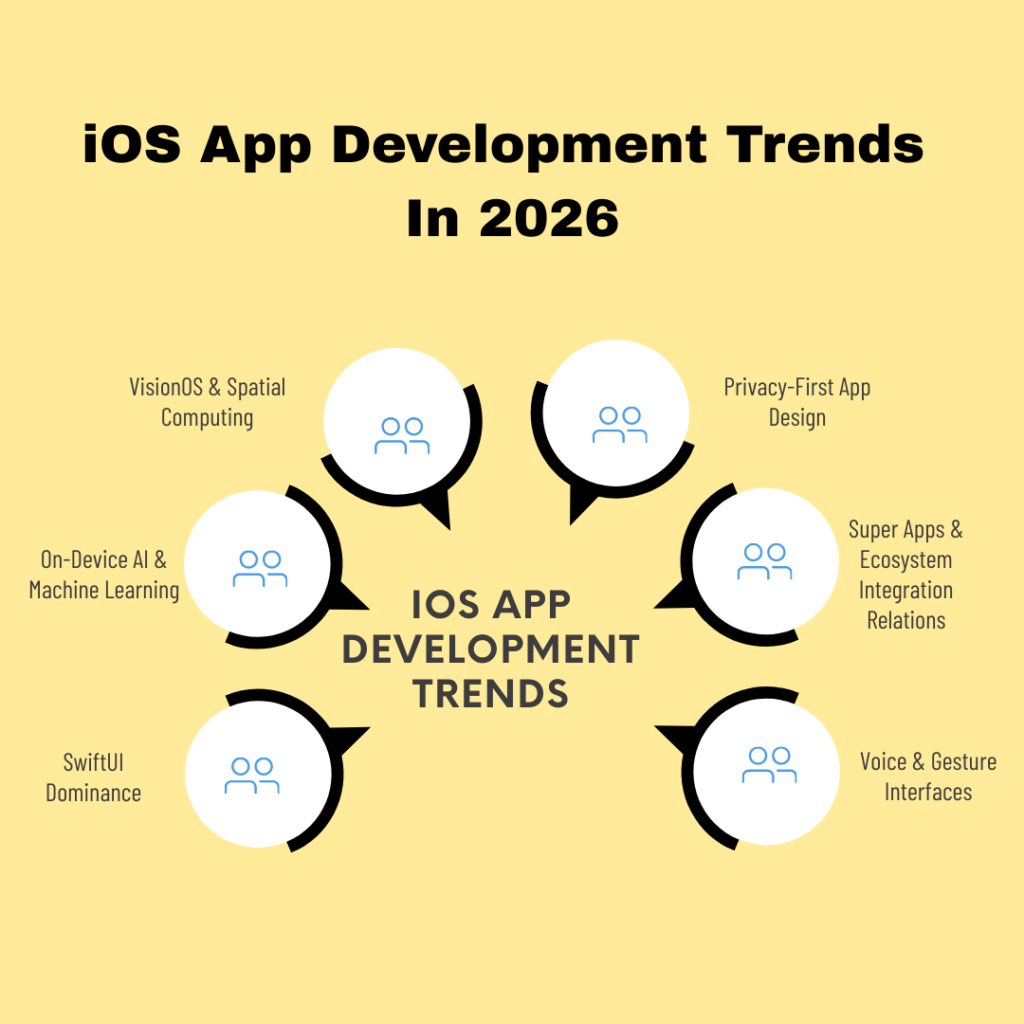
1. SwiftUI Dominance
- SwiftUI continues to replace UIKit for most apps. This enables faster development and easier maintenance.
- Businesses benefit from quicker development and lower long-term development costs.
2. On-Device AI & Machine Learning
- For personalized experiences and smarter apps, Core ML allows AI processing directly on devices.
- Allows apps to offer recommendations, embody predictive features, or incorporate real-time analysis.
3. VisionOS & Spatial Computing
- Apple’s AR/VR and VisionOS integrations allow for immersive user experiences.
- Some common use cases are AR shopping, virtual training, and interactive gaming.
4. Privacy-First App Design
- Apps are required to comply with Apple’s strict privacy guidelines like data handling and App Tracking Transparency.
- Apps that prioritize data security and user trust gain higher adoption.
5. Super Apps & Ecosystem Integration
- Apps connecting multiple services like payments, messaging, or shopping within one ecosystem are becoming more popular.
- Ecosystem integration allows for longer user engagement and stronger retention.
6. Voice & Gesture Interfaces
- Siri integration, voice commands, and gesture-based controls enhance accessibility and hands-free interactions.
Adopting these trends early allows businesses to deliver modern, engaging, and competitive iOS apps in 2026.
iOS App Development Best Practices for Performance and Security
To ensure the security, high performance quality, and seamless user experience of an iOS app, it is vital for businesses to follow the best practices. Implementing these principles early in development can reduce costs, speed up launch, and improve long-term success.
- Follow Apple Human Interface Guidelines: Ensure consistent, intuitive design and smooth user experiences.
- Optimize Performance: Minimize app load times, battery usage, and memory consumption to keep users engaged.
- Prioritize Security & Privacy: Adhere to Apple privacy rules by using encryption and secure APIs. Protect user data to build trust.
- Conduct Continuous Testing: Test across devices, screen sizes, and iOS versions to prevent compatibility issues and crashes.
- Implement Analytics & Feedback Loops: Use data to track user behavior and guide future updates or improvements.
- Plan for Scalability: Structure backend and code for future feature expansion, increased user loads, and multi-device support.
- Regular Updates: Keep the app updated for bug fixes, iOS version changes, and evolving user expectations.
Applying these best practices instantly ensures iOS apps remain competitive, reliable, and user-friendly in a fast-changing mobile market.
Conclusion
iOS app development enables businesses to deliver high-quality, secure, and engaging mobile experiences. Following the steps, using the right tools and frameworks, and staying current with trends ensures your app meets user expectations and drives business growth.
From MVP app design to post-launch updates, a structured approach reduces risk, lowers costs, and positions your app for long-term success. Staying informed about trends like SwiftUI, AI, and privacy-first design keeps your app competitive and ready for the evolving mobile landscape in 2026.
Ready to launch your app? Explore custom iOS app development services for an efficient and effective launch.
FAQ
1. How long does iOS application development take?
The timeline of iOS app development depends on multiple factors. Namely, the number of features on the app, integrations, UI/UX design, security requirements, and testing scope. Basic apps take 8–12 weeks, mid-level apps 3–6 months, and advanced apps 6–12 months or more.
2. What is the best programming language for iOS app development?
Swift is the best programming language for iOS app development, offering speed, safety, and easier maintenance. Objective-C is mainly for legacy apps.
3. What are the benefits of iOS app development for businesses?
Benefits of iOS app development include higher revenue potential, strong security, loyal users, and a premium brand image.
4. Do iOS apps require ongoing maintenance?
Yes. iOS application development includes post-launch updates to fix bugs, stay compatible with iOS updates, and improve features.
5. What are common challenges in iOS app development?
Common challenges in iOS app development include device compatibility, performance optimization, API integration, and App Store compliance.
6. How much does iPhone app development cost?
The cost of developing an iPhone app depends on app complexity, design requirements, and integrations.
- Basic: $30,000 to $50,000
- Mid-level: $50,000 to $100,000
- Advanced: $100,000+
Costs can also increase with ongoing maintenance, scalability requirements, and post-launch
7. Can businesses use cross-platform development for iOS apps?
Yes. React Native iOS app development allows businesses to build cross-platform applications using a single codebase. This also reduces development time and overall costs. This approach is well-suited for businesses looking to validate ideas, launch faster, or maintain feature consistency across mobile platforms while delivering a reliable iOS user experience.